Smartphone Digiscoping Adapter Buying Guide
Guide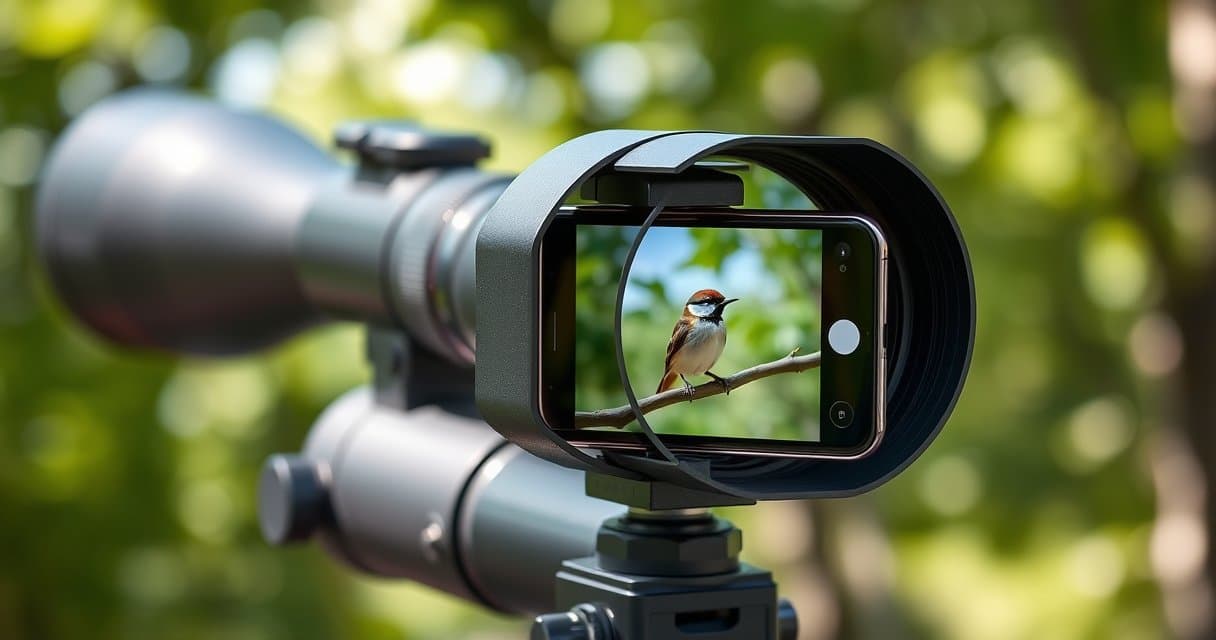
So, you've finally managed to get that Eurasian nuthatch in your crosshairs, after minutes of motionless observation, and your finest reflex is to take out your smartphone to immortalize the scene. That's when the trouble starts: impossible to align the camera lens with the eyepiece, the image is shaky, and this blurry photo will never do justice to your patience. It's precisely to avoid this frustration that a dedicated digiscoping adapter becomes essential — it transforms this makeshift, imprecise tinkering into a stable and accurate shooting platform, so you can capture the detail of the plumage, and not your disappointed reflection on the screen.
Key Points to Remember
- The adapter eliminates tremors and guarantees optical alignment, moving from a blurry photo to a sharp, vignette-free image.
- Perfect compatibility depends on three criteria: the diameter of the eyepiece, the size of the smartphone (with its case), and ergonomics for access to controls.
- The material and mounting mechanism are crucial: aluminum offers rigidity and durability, while a good clamping system ensures absolute stability.
- The budget should reflect your frequency of use, ranging from a basic model for the occasional user to a high-precision system for the demanding user.
- Rigorous implementation (mounting on a stable tripod, meticulous alignment, and remote triggering) is essential for successful photos.
What is a Digiscoping Adapter Really For?
Let's be honest: holding your phone by hand in front of a spotting scope's eyepiece is an almost guaranteed recipe for a blurry, poorly framed, and frustrating photo. The adapter is not a gadget; it's the game-changing element. It fulfills two fundamental and simple missions.
An Indispensable Stabilizer
The first function, obvious but crucial, is mechanical stability. Even with the best stabilization systems on your smartphone, the slightest hand tremor is amplified by the spotting scope's magnification. A solid adapter eliminates this problem by creating a rigid link between your phone and the instrument. In practical terms, this means you can fully utilize the power of your optics. Imagine photographing a Ruff at 40x magnification: without an adapter, it's a moving blur; with one, you can distinguish the bars on its flight feathers. The difference is that clear.
Perfect Alignment, the Secret to a Clean Image
The second function is more subtle but just as important: optical alignment. Your smartphone's lens is tiny and must be perfectly centered on the eyepiece to avoid ugly vignetting (those black corners in your photo) and stray reflections. A good adapter has micro-adjustment systems, often with screws or sliders, that allow you to position the phone's lens exactly in line with the eyepiece's exit pupil. This is what makes the difference between a bright, contrasted image and a dark, washed-out image surrounded by a black halo. Frankly, without this precise alignment, you lose 70% of your setup's potential quality, regardless of how good your spotting scope is.
Much More Than a Simple Holder
Beyond photography, a worthy adapter frees your hands and your creativity. Once the phone is clipped on, you can focus on the subject: adjusting the scope's focus, tracking a bird in flight, or even triggering remotely (via a Bluetooth remote or the self-timer) to eliminate any risk of residual vibration. This transforms a digiscoping session from a stressful juggling act into a serene and productive observation experience. You are no longer desperately trying to take a photo; you are observing, and you simply capture what you see. For me, that's the real magic of the accessory.
Choosing Perfect Compatibility: Eyepiece, Phone, and Your Hand
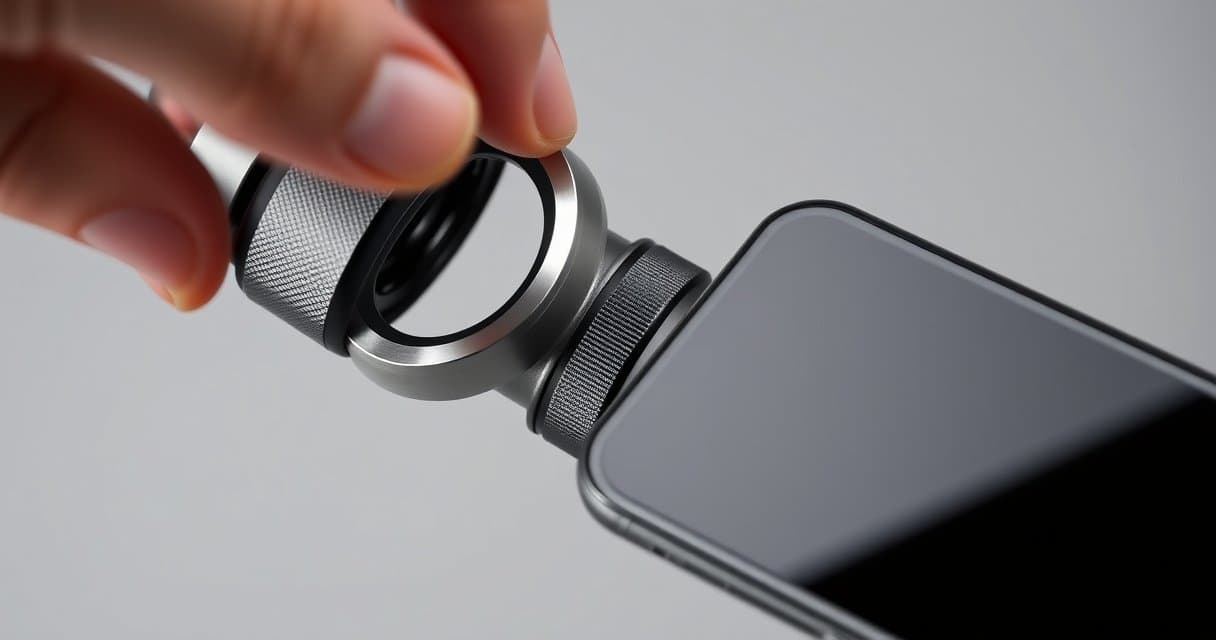
The word "universal" on an adapter box is often a sweet marketing lie. True compatibility, the kind that will save you immense frustration, depends on three factors: your instrument, your smartphone, and even the shape of your hand. Let's review them.
Eyepiece Diameter: The Key Measurement
This is the non-negotiable starting point. Spotting scope eyepieces have varying diameters, typically between 20 and 60 mm. An adapter must be able to attach to it securely, either via an adjustable clamping ring or via rubber inserts of different sizes. The first thing to do? Get out your calipers—or a ruler—and precisely measure the diameter of the cylindrical part of your eyepiece, where the adapter will be positioned. Never assume the size. A model designed for 30 mm will slide pathetically on a 45 mm eyepiece, rendering the whole setup unusable. Also check your eyepiece's eye relief; some, with very generous relief, require the adapter to leave enough space so as not to touch the lens.
The Size and Form of Your Smartphone
Here, you need to think about the present AND the future. Your adapter must accommodate your current phone, with its potential case—an often-forgotten detail that can change everything. But if you plan to change models in a year or two, opt for a system with jaws or clamps that has a wide opening range (say, 60 to 90 mm in width). Systems with specific inserts for a particular phone model are very stable but tie you to that device. My advice: prioritize flexibility. A good adapter should be able to grip an iPhone SE as firmly as a large Samsung Galaxy Ultra without straining or leaving any play.
Ergonomics and Access to Controls
This is the most personal and often overlooked aspect. Once the phone is clipped on, can you still access the volume button (often used as a shutter button) or the screen to switch to video mode? Some enclosing models block everything, forcing you to disassemble the whole thing for an adjustment. Others, more cleverly, have strategic cutouts. Also consider handling in the field: can you attach and detach the phone quickly with cold fingers? A quick-release type mechanism is a real plus. Finally, the shape of the adapter should allow for comfortable handling for fine adjustments, without your fingers masking the smartphone's lens. The best smartphone digiscoping adapter is the one that becomes a transparent extension of your equipment, not a technical obstacle you constantly have to worry about.
Our Selection
Digiscoping enthusiasts — the practice of photographing or filming through the eyepiece of an optical instrument — are now spoiled for choice. While the basic idea is simple (attaching a smartphone to a spotting scope), the reality of achieving perfect alignment between the phone's lens and the eyepiece is less so. This is where dedicated adapters come in. We have analyzed three popular models, with different approaches and ambitions, to help you see things more clearly. Each solution has its strengths and compromises, as revealed by the technical specifications and community feedback.
| Product | Eyepiece Compatibility | Adjustment Points | Included Accessories | Key Strengths (based on reviews) |
|---|---|---|---|---|
| Celestron NexYZ | Very wide (25 to 60 mm) | 3 axes (X, Y, Z) independent | 2 microscope rings | Precision, robustness, universal |
| Slokey Phone Pro | Standard (38 to 45 mm ~1.5"-1.77") | Smartphone width only | None | Simplicity, quick setup |
| Vanguard VEO PA-62 | Restricted (41.5 to 44.7 mm) | Camera lateral alignment | Bluetooth remote control | All-in-one kit, improved stability |
Celestron NexYZ
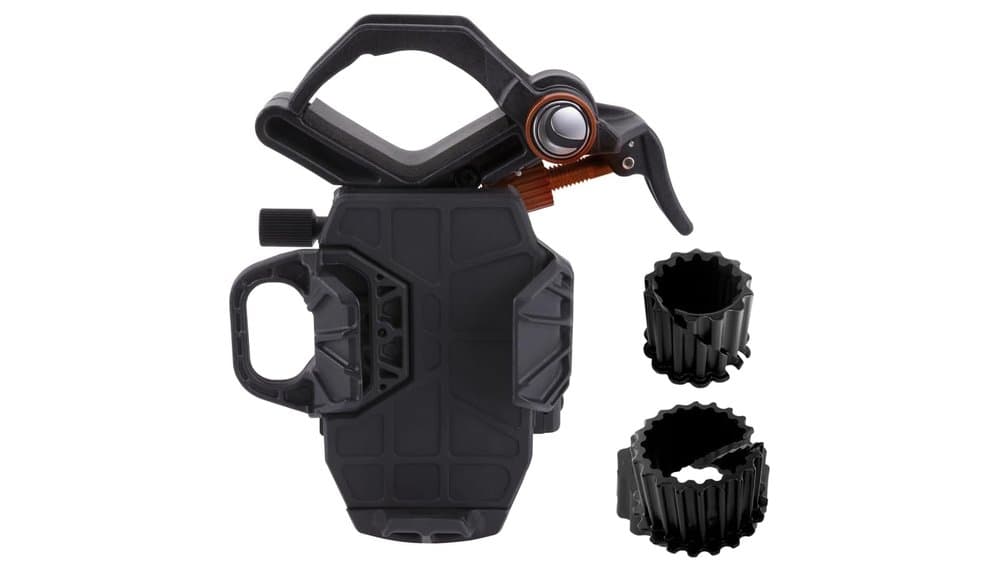
The Celestron NexYZ presents itself as the high-end, universal solution. On paper, its specifications are impressive: a patented adjustment system with three independent axes (X, Y, and Z) allowing for millimeter-perfect alignment of the camera sensor with the eyepiece, and very broad compatibility ranging from telescope eyepieces (1.25" and 2") down to microscopes thanks to included adapter rings. Its mixed metal and polymer construction promises good durability.
The community of amateur astronomers and nature observers seems largely convinced by its effectiveness. Reviews highlight that the precision of its adjustments is its major asset, eliminating the frustrations of vignetting or impossible focusing. Many note that once properly set, it offers excellent stability for videos of the Moon or wildlife. However, this precision comes at the cost of complexity. Several users mention a learning curve: one must take the time to understand the role of each axis, and mounting/dismounting is not as instant as with simpler models. Another concrete limitation noted: its size and weight (over 450g) are significant, which can make it less practical for very mobile use or on small, lightweight binoculars. In summary, it's the ideal tool for those seeking the best possible image quality and who are willing to invest a little time in the initial setup.
Slokey Phone Pro Adapter
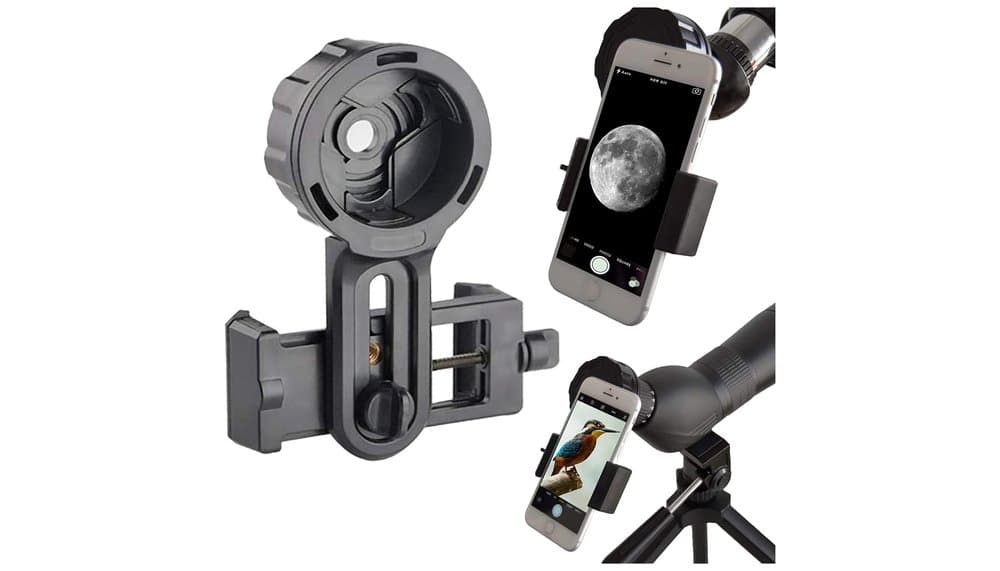
At the opposite end of the spectrum, the Slokey Phone Pro Adapter banks on simplicity and accessibility. Its design is clean: an adjustable clamp for the phone (5.5 to 10 cm wide) and a spring-loaded mechanism for attaching to the eyepiece. The specs state compatibility with most smartphones and eyepieces with a diameter between 1.5 and 1.77 inches (approximately 38 to 45 mm), which covers a large portion of the binoculars and spotting scopes on the market.
According to user feedback, it is precisely in the area of simplicity where it excels. It mounts and dismounts in seconds, is lightweight, and easy to slip into a bag. For occasional use, to quickly capture an observation without extreme artistic pretension, it does its job very well. The community also notes that its price-to-quality ratio is often considered very good. But this simplicity implies technical limits. Adjustment is limited to the width of the jaws for the phone; there is no micro-adjustment to perfectly align the camera lens. Many users report having to manually "fiddle" with the phone's position in the clamp to avoid vignetting, which can be tedious. Its construction, while reinforced with an aluminum plate according to the manufacturer, is perceived as less robust and less stable in the long term than that of the Celestron.
Vanguard VEO PA-62
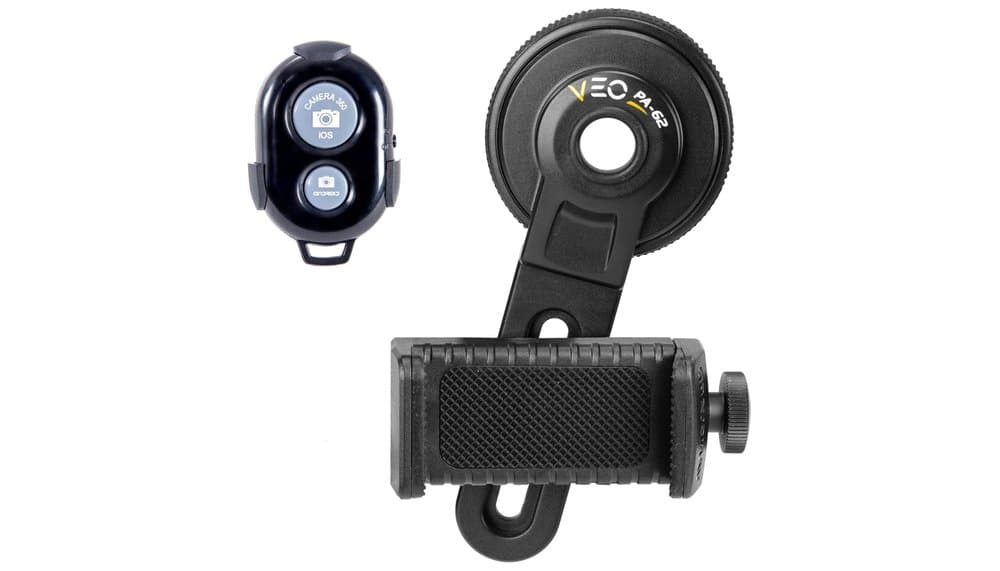
The Vanguard VEO PA-62 adopts a middle-ground approach, positioning itself as an all-in-one digiscoping kit designed for the field. Its major technical specificities are the inclusion of a Bluetooth remote control, a detail that changes everything according to reviews. The stated compatibility is more restricted than the Celestron's, being optimized for binocular and monocular eyepieces between 41.5 and 44.7 mm (aiming notably at the brand's own VEO range). It nonetheless incorporates a small articulated arm for lateral alignment of the smartphone's lens.
Reviews converge on one point: the Bluetooth remote is a decisive advantage for avoiding motion blur when triggering. It is a product that seems designed by and for nature observers (particularly birdwatchers) who value stability and discretion. Its featherweight (100g) is also highly appreciated for long hikes. However, the community notes several limitations. Its narrow compatibility with certain eyepiece diameters is its main weakness; it is imperative to check your binoculars' measurements before purchase. Some also regret the absence of fine height adjustment (Z-axis), which can necessitate manual adjustments of the phone. Finally, its mounting on a tripod via the threaded base is noted as a plus, but its stability on the eyepiece alone can be inferior to that of a heavier model like the Celestron.
Deciphering Materials and Mounting Mechanisms
Comfort in use comes down to compatibility, but optical performance and durability are decided here. A poor choice of materials or a sloppy mounting system can ruin your best observations, even with an exceptional telescope. It's not just about holding the phone, but doing so with absolute rigidity.
The Material War: Plastic, Composite, Aluminum
Let's get to the heart of the matter. Molded plastic, often found in low-end models (below 30€), has one advantage: featherweight. Its disadvantages are many: it can deform over time, offer insufficient rigidity which amplifies vibrations, and its clamping mechanisms wear out quickly. For very occasional use, why not, but expect to frequently recenter your phone.
Aluminum, or lightweight alloys, is the king of materials for a better smartphone digiscoping adapter. It is rigid, lightweight, and dissipates vibrations well. It is what ensures that the slightest movement of your finger on the screen does not translate into shake in the final image. Frankly, from the moment you use your adapter more than once a month, aluminum is the way to go.
Finally, some high-end models use reinforced composites (carbon fiber, technical polymers). They combine extreme rigidity with a weight even lower than aluminum, but the price logically follows. This is a choice for the very demanding or mobile user for whom every gram counts in the backpack.
The Mounting System: Where Everything is Decided
This is the heart of stability. Two main philosophies clash, with direct implications for your field experience.
On one side, you have lateral clamping mounts. Imagine two jaws, often covered in soft rubber, that grip the phone from the sides. Their great advantage is speed: place the phone, tighten a wing screw, and you're ready. Access to side buttons is usually excellent. The risk? If the clamping is not perfectly even or if the jaws are too short, the phone can pivot slightly around its axis, a scourge for optical alignment.
On the other side, systems with a platform and clamp. Here, the phone rests flat on a support, and an articulated clamp (sometimes magnetic) secures it from the top. This is often even faster and ensures excellent alignment, as the phone's weight is evenly distributed. The drawback can be access to the screen or charging ports, depending on the design. It is often the choice of the most premium systems.
And for mounting to the eyepiece? A single-screw tightening ring is simple but can loosen the adapter if you manipulate the phone a lot. A three-screw micrometric adjustment system is more tedious to set up but offers perfect centering and unshakable hold for sessions lasting several hours. It's up to you to decide if you prefer speed or ultimate precision.
From Occasional Use to Dedicated Practice: What Investment?
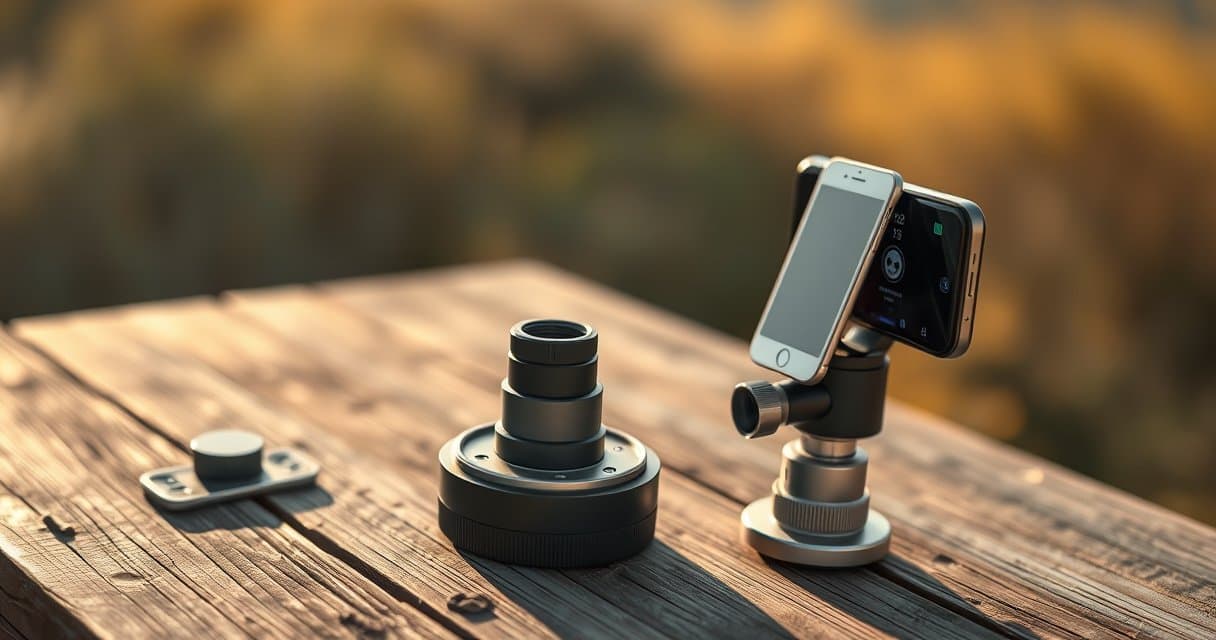
Don't be mistaken, the price isn't just about the brand. It mainly reflects the adapter's ability to meet the frequency and demands of your practice. Spending 100€ on a system you'll use twice a year makes no sense. Conversely, saving 30€ on a plastic gadget when you go out observing every weekend will cost you much more in frustration and missed shots.
For the Hiker or Occasional User: Simplicity Above All
Do you take out your spotting scope a few times a year, during long hikes or vacations? Your goal is to bring back a decent souvenir, without professional artistic pretension. In this case, aim for a budget between 25 and 45€. At this price, you'll find adapters made of reinforced plastic or a mix of plastic and metal. Be sure to choose a model with a universal mount featuring an expandable ring (say from 20 to 45mm) and jaws that adapt to your smartphone, even with its case.
The compromise will be on the perfection of the clamping and the longevity. These models do the job but can become less stable over time. The golden rule here: check reviews about the sturdiness of the locking mechanism. A single point of failure and the purchase is a waste. For this use, it's sufficient, and it keeps the budget for a hobby that remains light from being burdened.
For the Regular Observer: Investing in Reliability
You're the type who doesn't miss the crane migration or scans the marshes every month? Your adapter becomes a work tool, not an accessory. Here, you need to move up a tier, between 50 and 90€. This investment buys peace of mind.
At this level, we bid farewell to light plastic and welcome a structure primarily made of aluminum. The clamping mechanisms are more precise, often with wider thumb screws and higher quality rubber padding. Compatibility is also broader, allowing adaptation to larger eyepieces, sometimes up to 60mm. This category often hides the best value for money for the serious enthusiast. You'll gain time in the field (less readjustment) and consistent image sharpness, because the whole assembly doesn't move a millimeter once locked.
For the Demanding or Professional User: Uncompromising Performance
Here, we're talking about intensive digiscoping, photo publication, or simply a refusal to compromise on quality when you've already invested in high-end optics. Budgets start above 100€ and can go quite high.
Why? The construction is often entirely metallic, with impeccable finishes. The mounting systems are little engineering marvels: micrometric clamping on the eyepiece, quick-release and ultra-secure locking platforms for the phone. Some even offer integrated ball head joints for fine angle adjustment without moving the tripod. The weight is optimized, stability is absolute. It's the choice of a single, reliable tool for years, which will never be the weak link in your optical chain. If your practice justifies this level of demand, saving money would be counterproductive.
Mastering Setup for Sharp, Vignetting-Free Images
Having a good adapter is one thing. Using it correctly is another, and that's what makes the difference between a mediocre image and a killer shot. The first mistake? Trying to go too fast. Take two minutes to mount the setup correctly; you'll gain that time back a hundredfold by not missing your subject.
The Mounting Sequence: The Order That Changes Everything
Never try to attach the adapter and the phone to the scope while holding it in your hand. That's a guarantee of a blurry image. Here is the step-by-step procedure:
- Install your spotting scope on a solid, very stable tripod. Tighten all knobs completely.
- Target your subject and perform rough focusing with the scope.
- Only then, attach the adapter to the eyepiece and tighten it firmly. It should not move anymore.
- Finally, position your smartphone in the adapter. This is where you need to be meticulous.
Perfect Alignment: Eliminate Vignetting
Vignetting, those black corners that imprison your image, comes from poor alignment between your smartphone's lens and the center of the eyepiece. Once the phone is clipped in, turn on the camera app and switch to real-time "video" mode. It's much easier for adjustments.
Adjust the adapter's support mount (often a small sliding platform) until the image from the eyepiece perfectly fills the screen, with no black circle at the edges. Move the phone millimeter by millimeter. Got it? Lock everything down. Honestly, this step is non-negotiable.
Triggering: Eliminate Vibration
This is the classic trap. You've aligned everything perfectly, the image looks great in the viewfinder... and you ruin it all by tapping the screen to take the photo. The pressure from your finger inevitably moves the entire setup.
Always use remote triggering. Several options:
- The 2 or 10-second timer built into any camera app. Simple and effective.
- Your smartphone's volume buttons (often configurable as a shutter release). If your adapter allows access to them, use them.
- A dedicated Bluetooth remote. This is the ultimate for never touching the device. Some high-end adapters include one.
One final pro tip: if your subject allows it, shoot in burst mode. The first image might be blurry from residual motion, the second or third will be perfectly sharp.
Conclusion
Choosing the right smartphone digiscoping adapter is not just a technical matter.
It is the key to transforming your fleeting observations into lasting, shareable memories. A well-chosen and mastered piece of equipment becomes the natural extension of your patience and curiosity.
So, before your next outing, check your gear. Secure it properly. And trigger it remotely.
Nature, and your followers, will thank you.
Frequently Asked Questions
What is a digiscoping adapter?
A digiscoping adapter is an accessory that securely connects your smartphone to a spotting scope's eyepiece, eliminating shaking for sharp photos and ensuring perfect optical alignment to prevent vignetting.
What is the best digiscoping adapter for a smartphone?
The best adapter depends on your use: for regular use, prioritize an aluminum model offering stability and durability, while for occasional use, a universal adapter made of reinforced plastic may suffice.
How to avoid vignetting in digiscoping?
To avoid vignetting, meticulously adjust the position of your smartphone in the adapter until the eyepiece's image completely fills your phone's screen without any black circles on the edges.
How to mount a phone on a spotting scope?
Mount your phone on a spotting scope using a dedicated adapter with jaws or a clamping platform suited to your device's size, then lock it securely onto the eyepiece's diameter.
Why are my digiscoping photos blurry?
Your photos are blurry mainly due to hand shake and poor alignment; a stable adapter and remote triggering (timer or remote control) solve this problem.
What budget to plan for a digiscoping adapter?
Plan a budget of €25 to €45 for occasional use, €50 to €90 for regular use, and over €100 for intensive or professional use requiring metal construction and precision mechanisms.
100% free and independent — All our articles are written independently, without any sponsorship. We may earn a commission on purchases made through our links, at no extra cost to you.
Guides you might like
Astrophotography Telescope Buying Guide
Choose the right telescope for astrophotography to avoid frustration. Key factors depend on your target nebula or object.
Best Binoculars Value Guide
Find value binoculars that match your real needs. Understand specs like 8x42 and key features for the best observation without overspending.
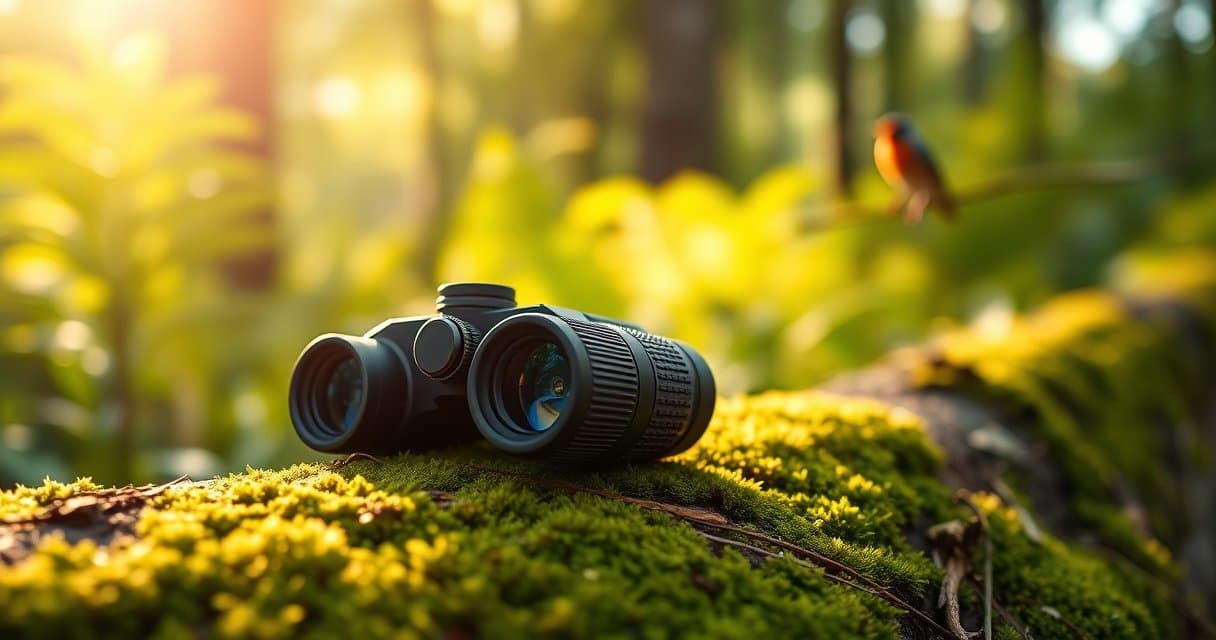
Best Nature Binoculars Kids
Discover how to choose the perfect first binoculars for a child, focusing on lightweight design, ergonomics, and sparking a love for nature observation.
Articles you might like
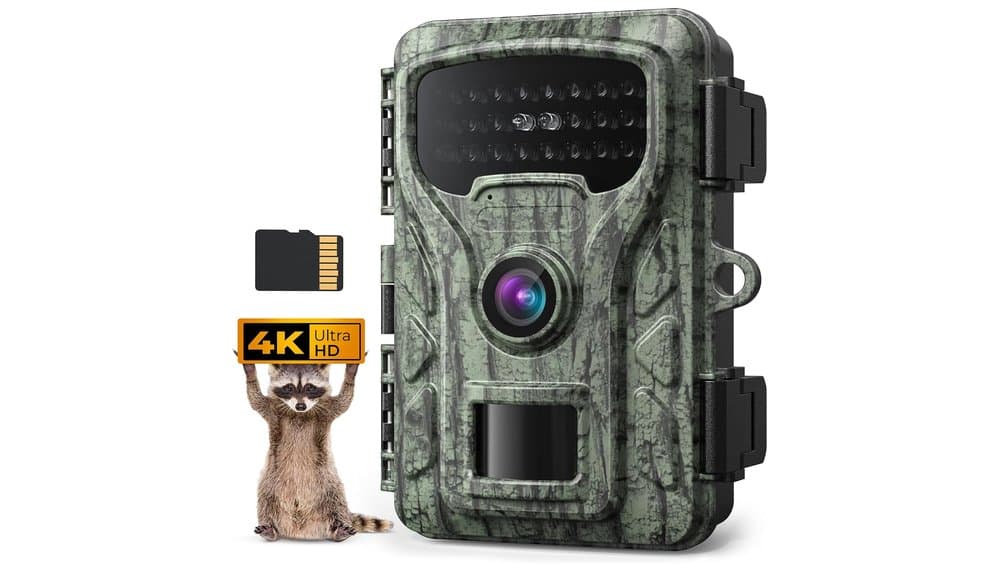
Caytail 4K 48MP Hunting Camera Review & Test
In-depth review of the Caytail 4K 48MP trail camera with included SD card. We analyze specs and real user feedback on its true field performance.
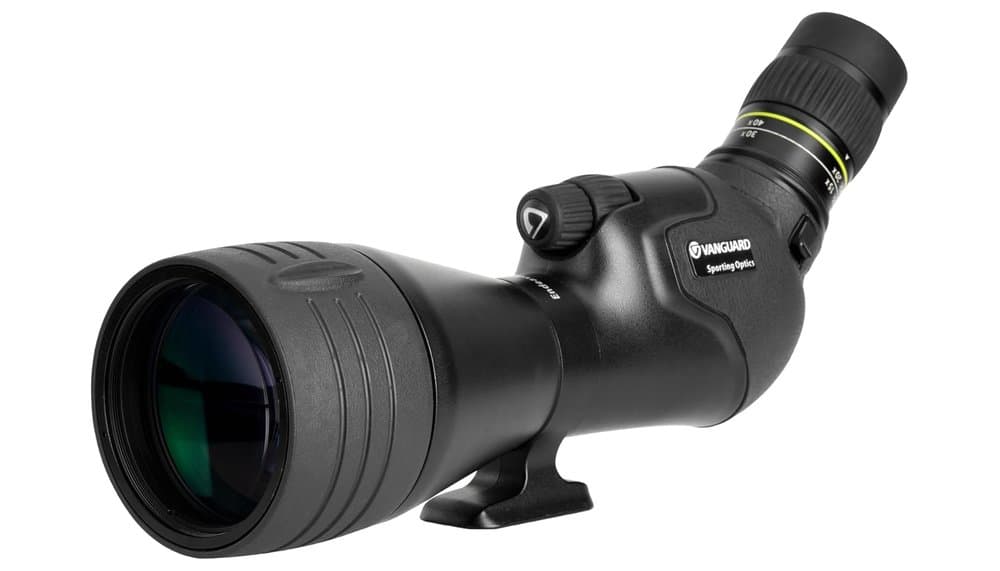
Vanguard Endeavor HD65A Spotting Scope Review
Spotting scope with 65mm ED glass & 15-45x zoom for birding & hiking. Balanced performance & portability for serious nature observers.
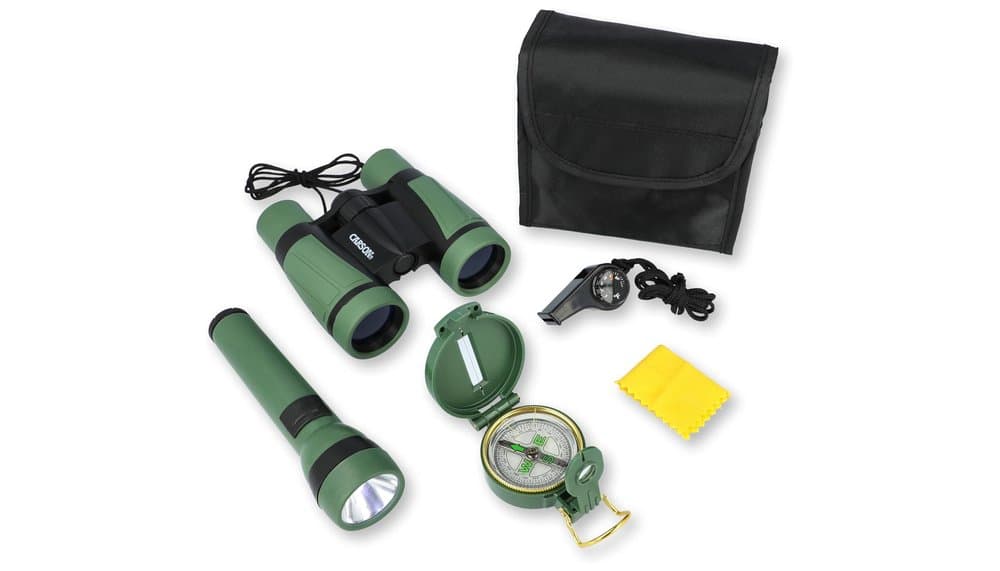
Carson AdventurePak Kids' Exploration Tool Kit Review
Explore nature with this kid's 5-piece tool kit for outdoor adventure and educational discovery. Perfect for young explorers.